Log weight, body fat, VO₂ max and sleep
How to log body measurements in CatLena and understand the ranges for BMI, body fat, VO₂ max and sleep.
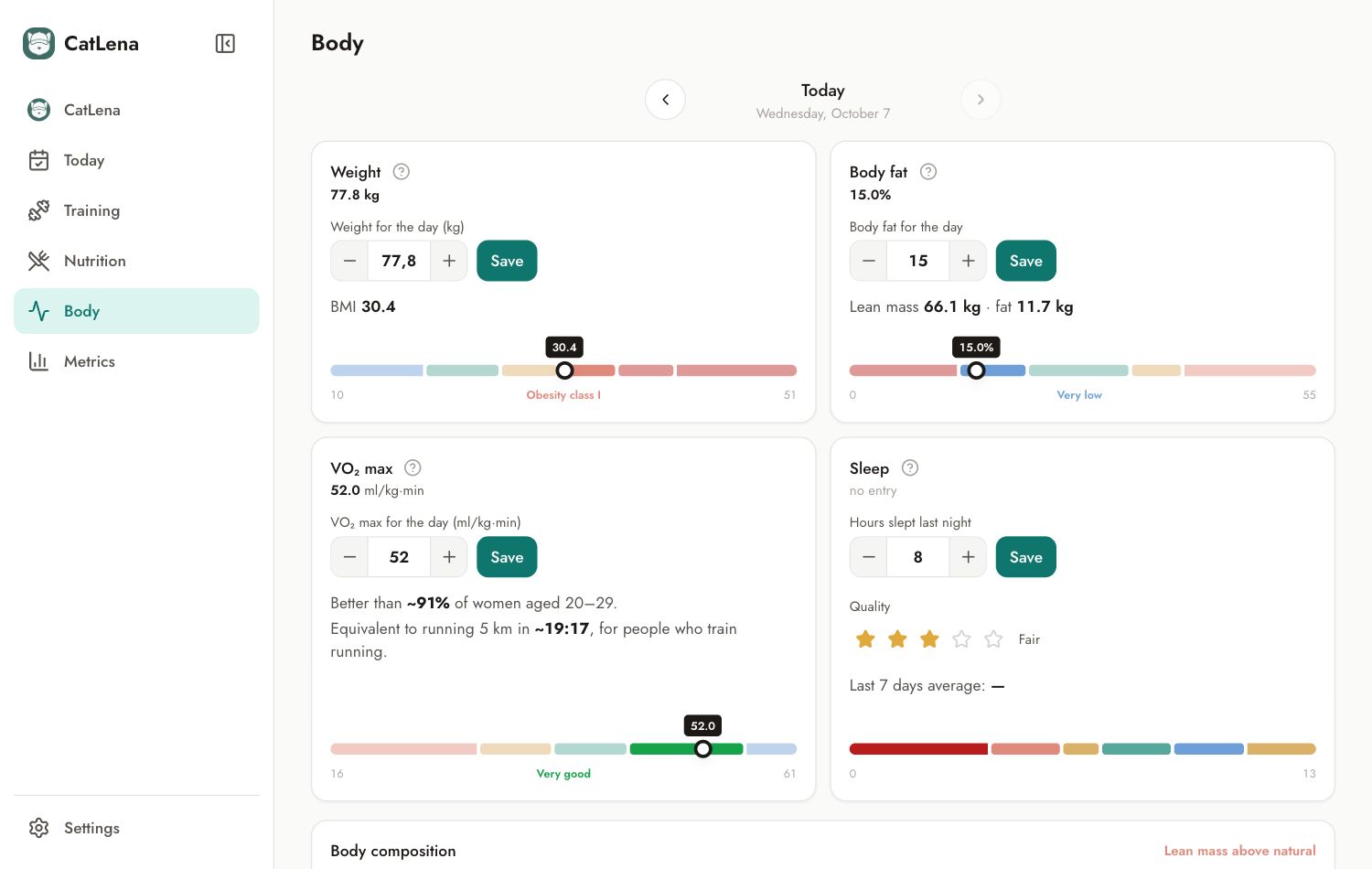
Log a measurement
- Open Body. The screen is per day: use the arrows to log on another date.
- In the measurement block, adjust the value with − and + or type it.
- Tap Save.
- For sleep, enter the hours and choose the quality, from 1 to 5.
Understand the ranges
The colored bar shows where your value falls. The "?" next to the name explains what the measurement is, the ranges and what they mean, with a link to the CatLena article and the sources.
Body composition
Further down, CatLena crosses BMI with body fat percentage to show whether the weight comes from muscle or from fat.
History
The History button, at the end of the screen, lists previous measurements and lets you delete one.