Adjust targets, appearance, language and account
What each section of CatLena Settings does: profile, targets, calculation, appearance, language, memory and sign out.
On the website, Settings is at the end of the menu. In the app, tap your photo in the top right corner. Changes are saved right away.
Sections
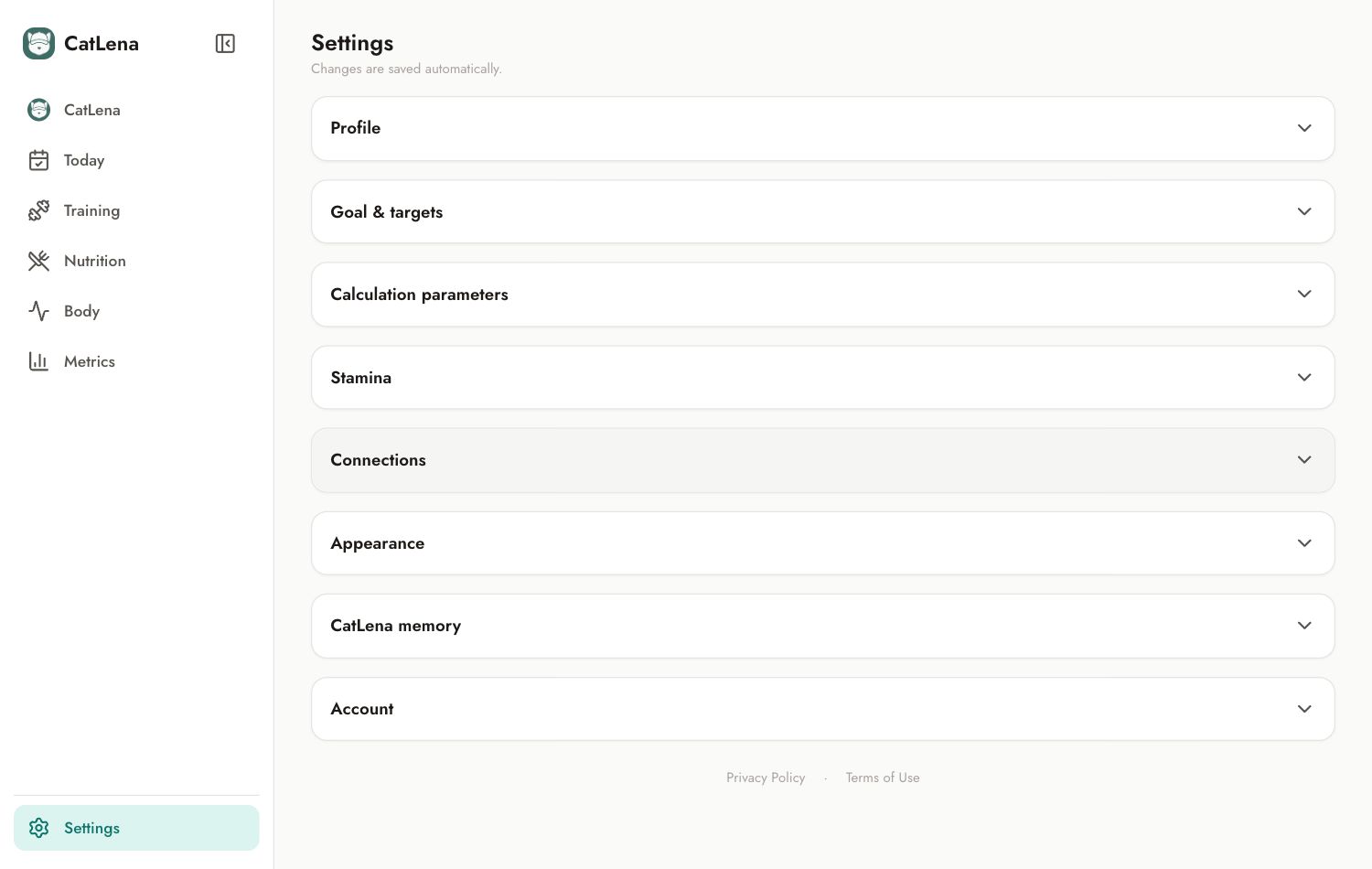
- Profile: account email, name, gender, date of birth, height and the AI usage for the month.
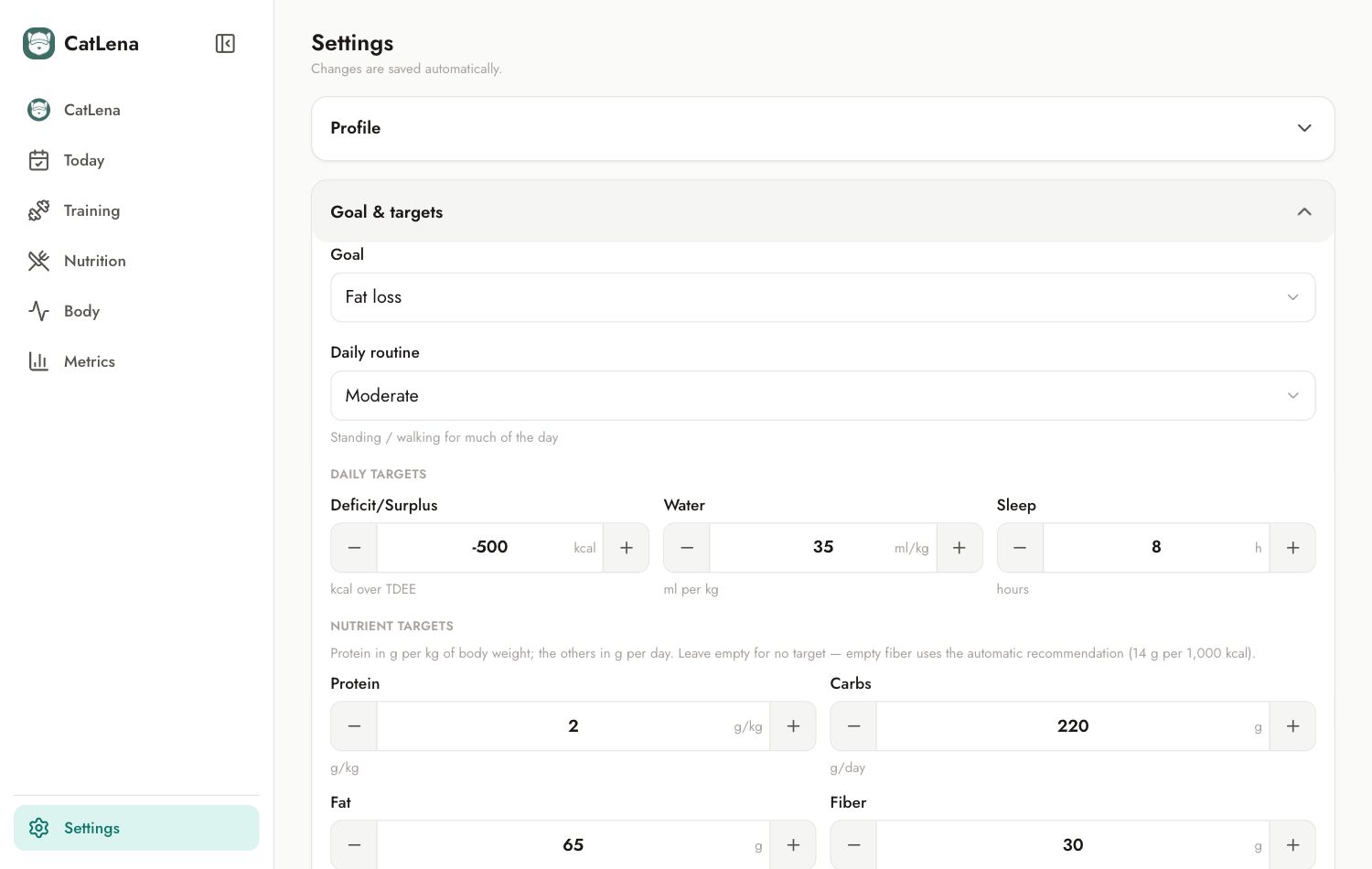
- Goal & targets: goal, daily routine, calorie deficit or surplus, water, sleep and targets for protein, carbs, fat and fiber.
- Calculation parameters: values used to estimate workout calories when your watch does not provide them.
- Stamina: settings for the energy reserve estimate.
- Connections: Strava.
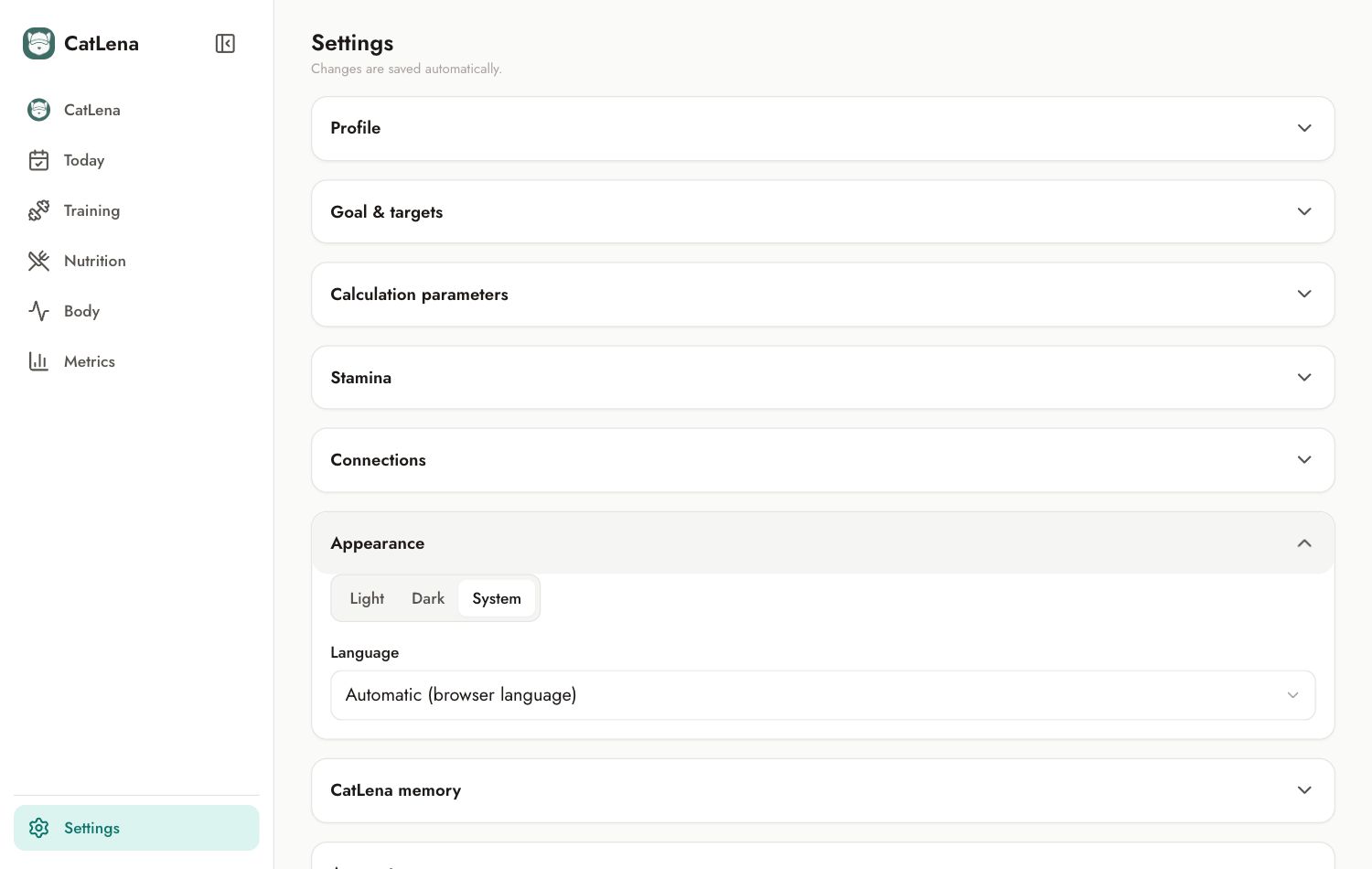
- Appearance: light, dark or system theme, and the language.
- CatLena memory: what it learned about you in the chats. Tap Forget to delete an item.
- My subscription: status, plan, CPF for the tax invoice, Manage subscription and My invoices.
At the end of the page, on the website, you will find Docs and help and Sign out.
Change the language
In Appearance, choose Português, English or Automatic, which follows the language of your browser or device.