Create a recurring meal plan
How to build a plan with a period and weekdays so CatLena fills in the planned meals by itself.
With a plan, the meals of each day already show up as planned. You only check off what you ate.
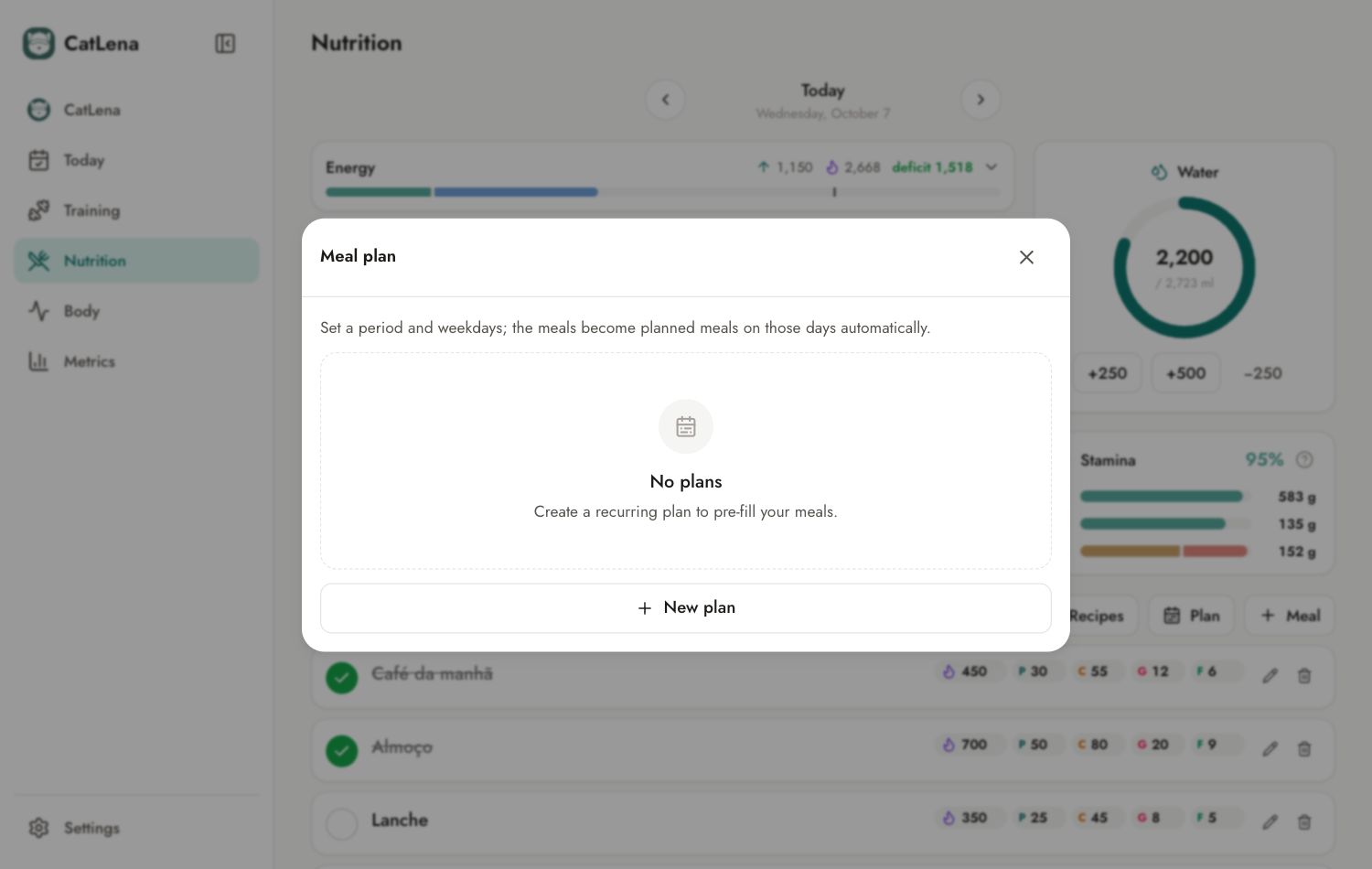
- Open Nutrition and tap Plan.
- Tap New plan.
- Give it a name (optional) and choose the start and the end.
- Select the weekdays the plan applies to.
- On each day, tap Meal and build the meals.
- Tap Confirm plan. The planned meals are created on every day of the period.
Through the chat
You can also ask: "set this diet from Monday to Friday next week: breakfast 2 eggs and bread, lunch rice, beans and chicken, dinner omelet".