Log or plan a run
How to add a run in CatLena with distance, time and pace, plan workouts and build intervals in blocks.
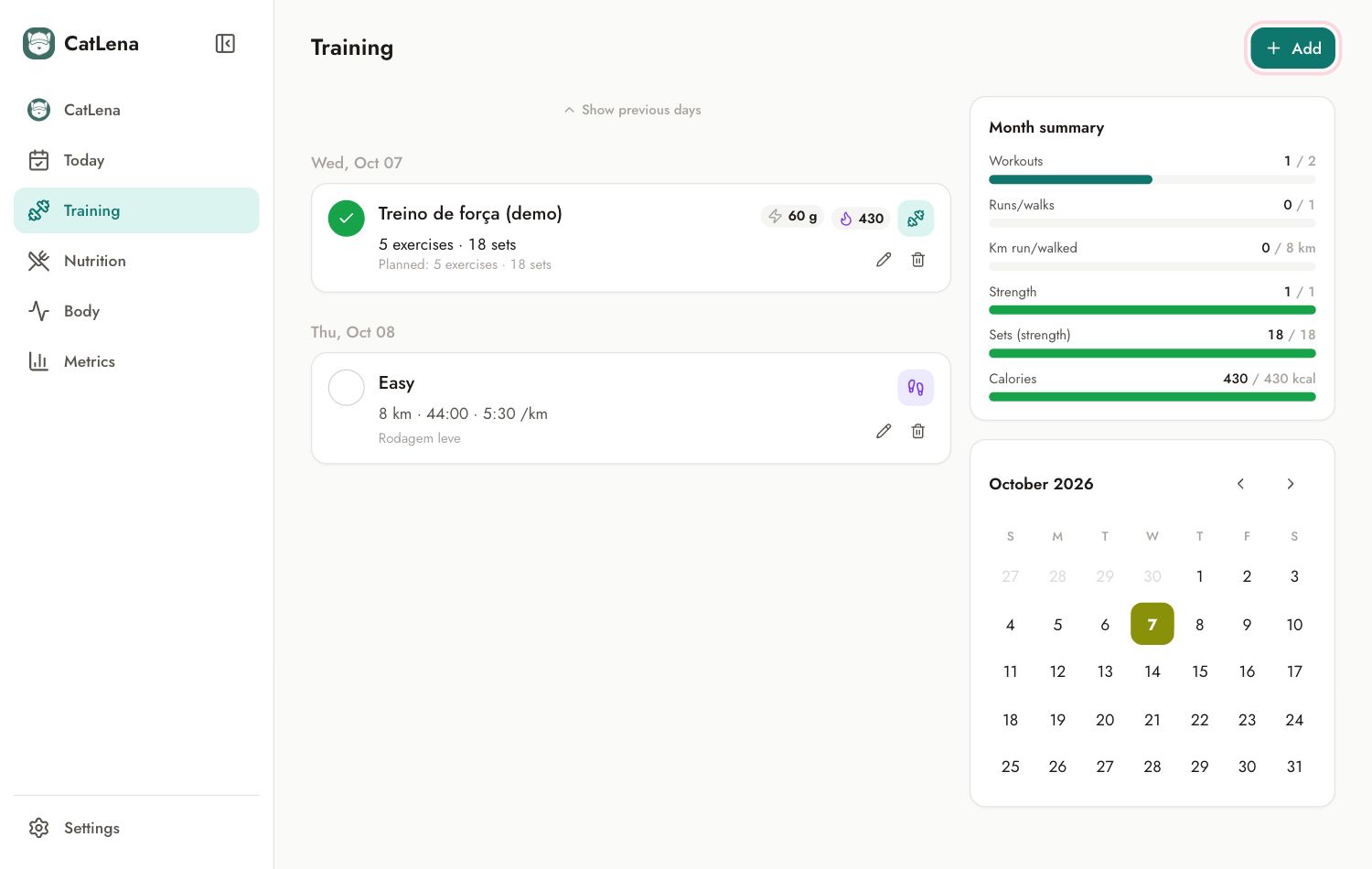
- Open Training and tap Add.
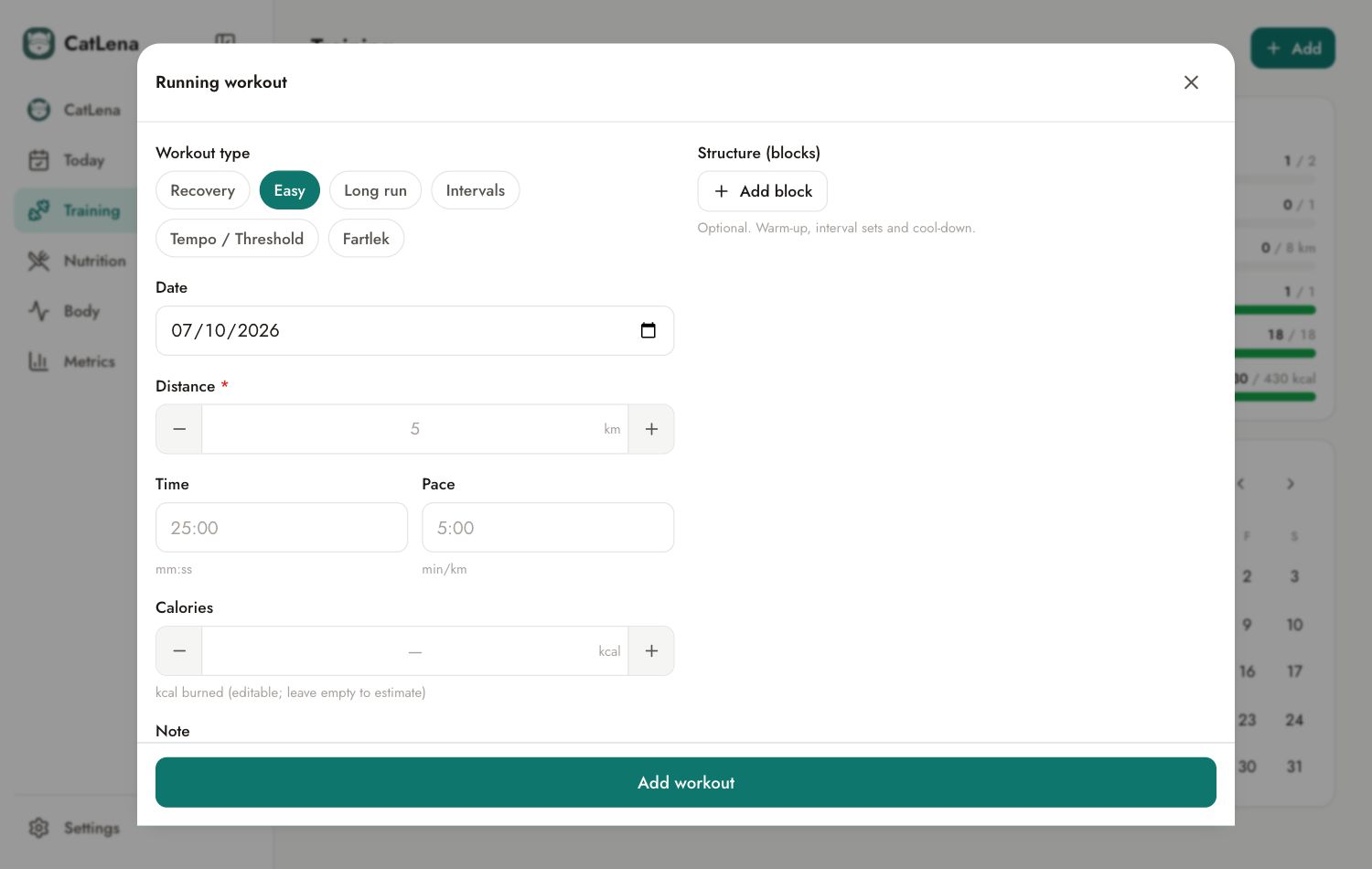
- Choose Run.
- Choose the type: Recovery, Easy, Long run, Intervals, Tempo / Threshold or Fartlek.
- Choose the date. A future date creates a planned workout.
- Enter the distance (required) and either the time or the pace. The third value is calculated.
- Calories: leave empty for CatLena to estimate, or enter the value from your watch.
- Tap Add workout.
Intervals in blocks
Under Structure (blocks), tap Add block to build the warm-up, interval sets, recovery and cool-down. In each segment you fill in two values among distance, time and pace, and the third is calculated. The workout totals come from the blocks.
Mark a planned workout as done
Tap the workout circle to confirm you did it as planned. To log different numbers, open the workout with the pencil and confirm what you actually did.