Connect Strava
How to link CatLena to Strava to import runs, walks and strength workouts with real calories, including from Garmin.
With Strava connected, you do not type workouts: activities arrive by themselves, with the calories measured by your watch. If you use Garmin, connect Garmin to Strava once and that is it.
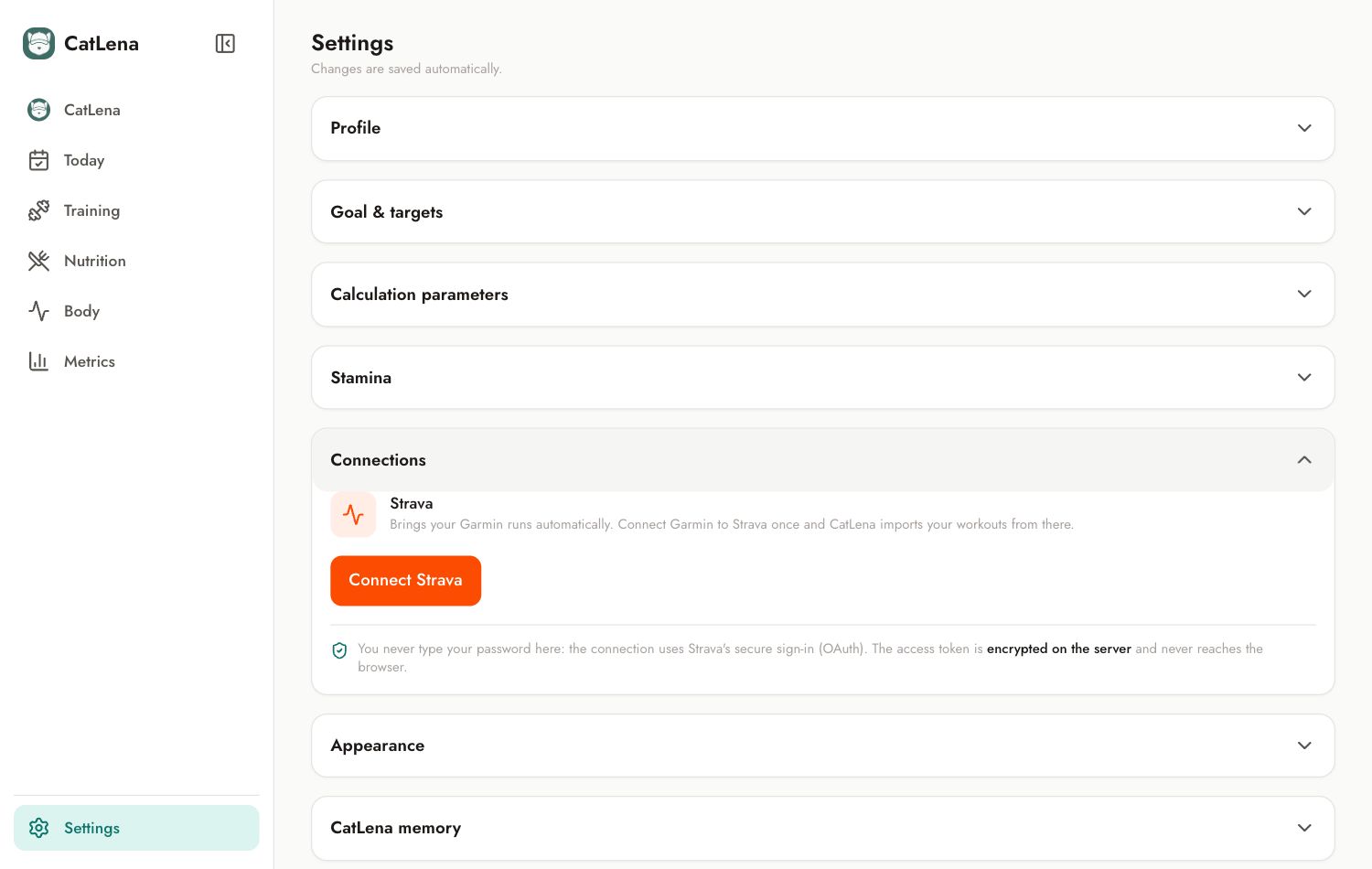
- Open Settings and tap Connections.
- Tap Connect Strava.
- Sign in to your Strava account and authorize reading your activities.
- You come back to CatLena with the connection made.
- Tap Sync now to import.
What is imported
- Runs, trail runs and treadmill runs, walks and hikes.
- Weight training and free workouts, as strength workouts.
- Activities from the last 90 days, without duplicating what already came in.
Security
You never type your Strava password in CatLena: the connection uses Strava's own sign-in. To undo it, tap Disconnect in the same section.