The Today screen
What the CatLena Today screen shows and how to check off the meals and workouts of the day.
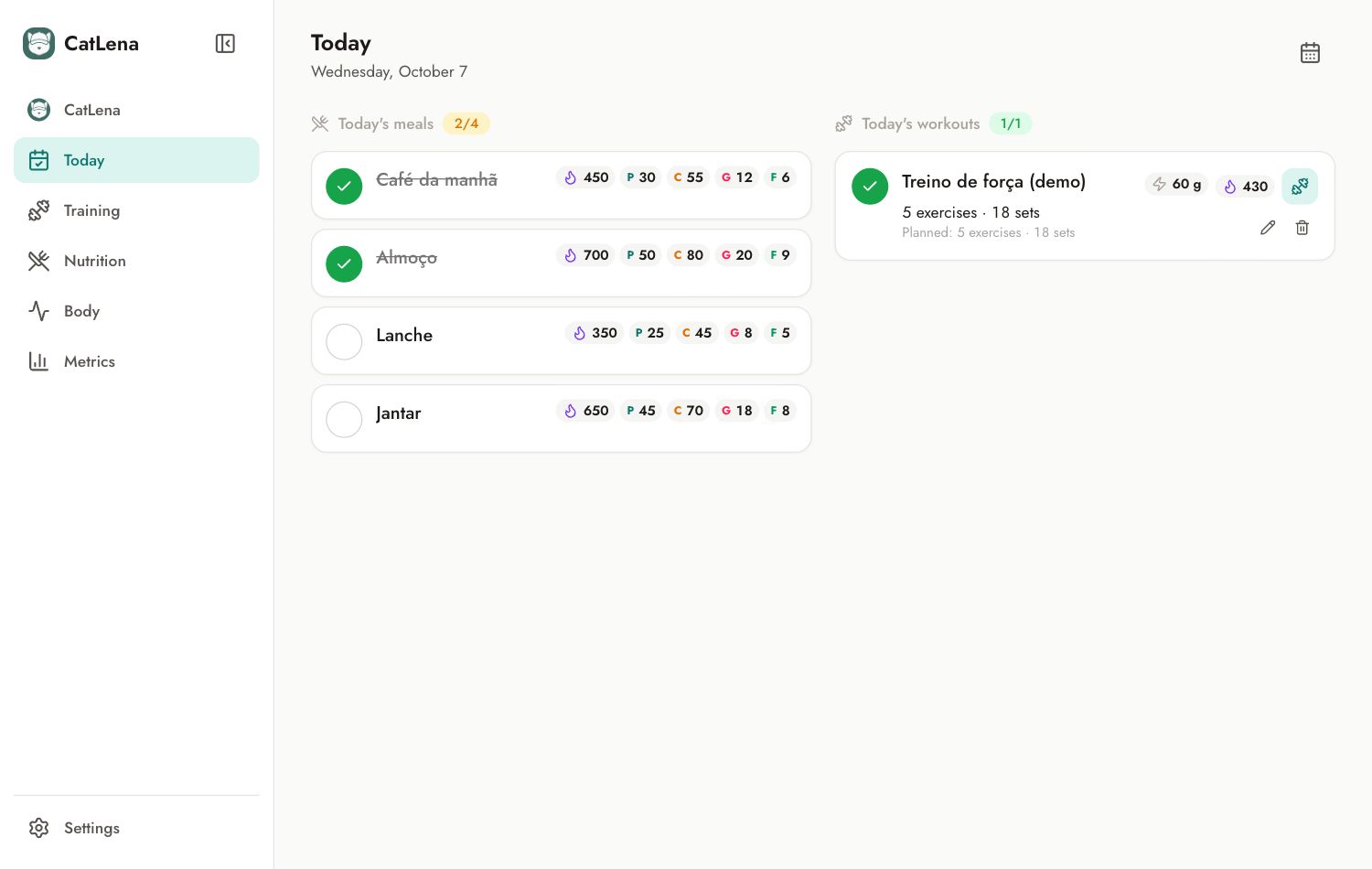
Today brings together the meals and workouts of the day. It is the screen for following what was planned and checking off what already happened.
Check off what you did
- Tap the circle next to a meal to mark it as eaten. The name is struck through and the numbers count toward the day total.
- Tap the circle next to a workout to mark it as done.
- Tap again to undo.
See another day
Use the calendar icon in the top right corner to pick another date.
Edit or delete a workout
On the workout card, the pencil opens the editor and the trash can deletes it.