Log and edit a meal
How to add a meal by hand, calculate the macros with CatLena, mark it as eaten, edit and delete it.
Add a meal
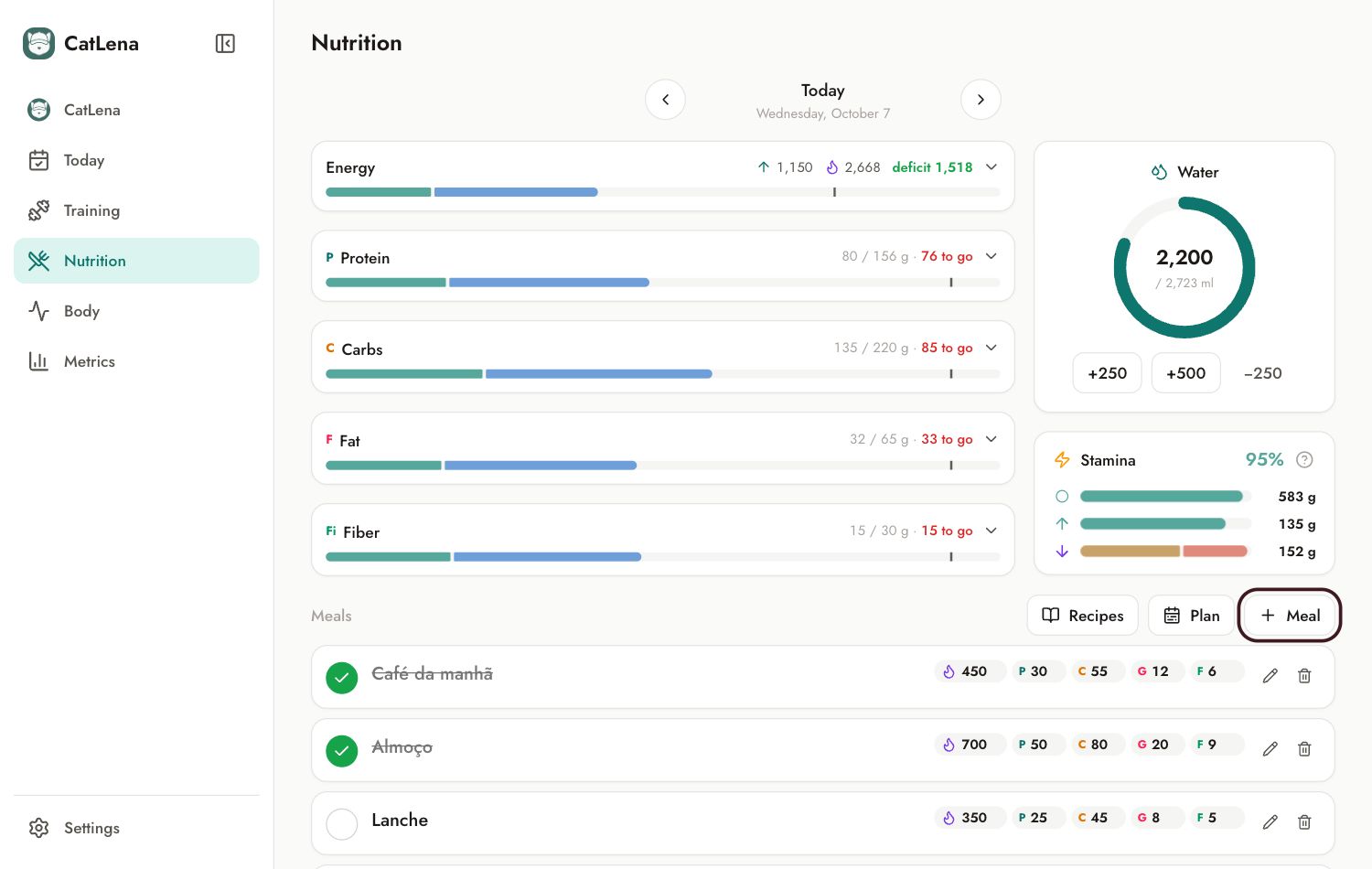
- Open Nutrition and go to the day you want.
- Tap Meal, next to Recipes and Plan.
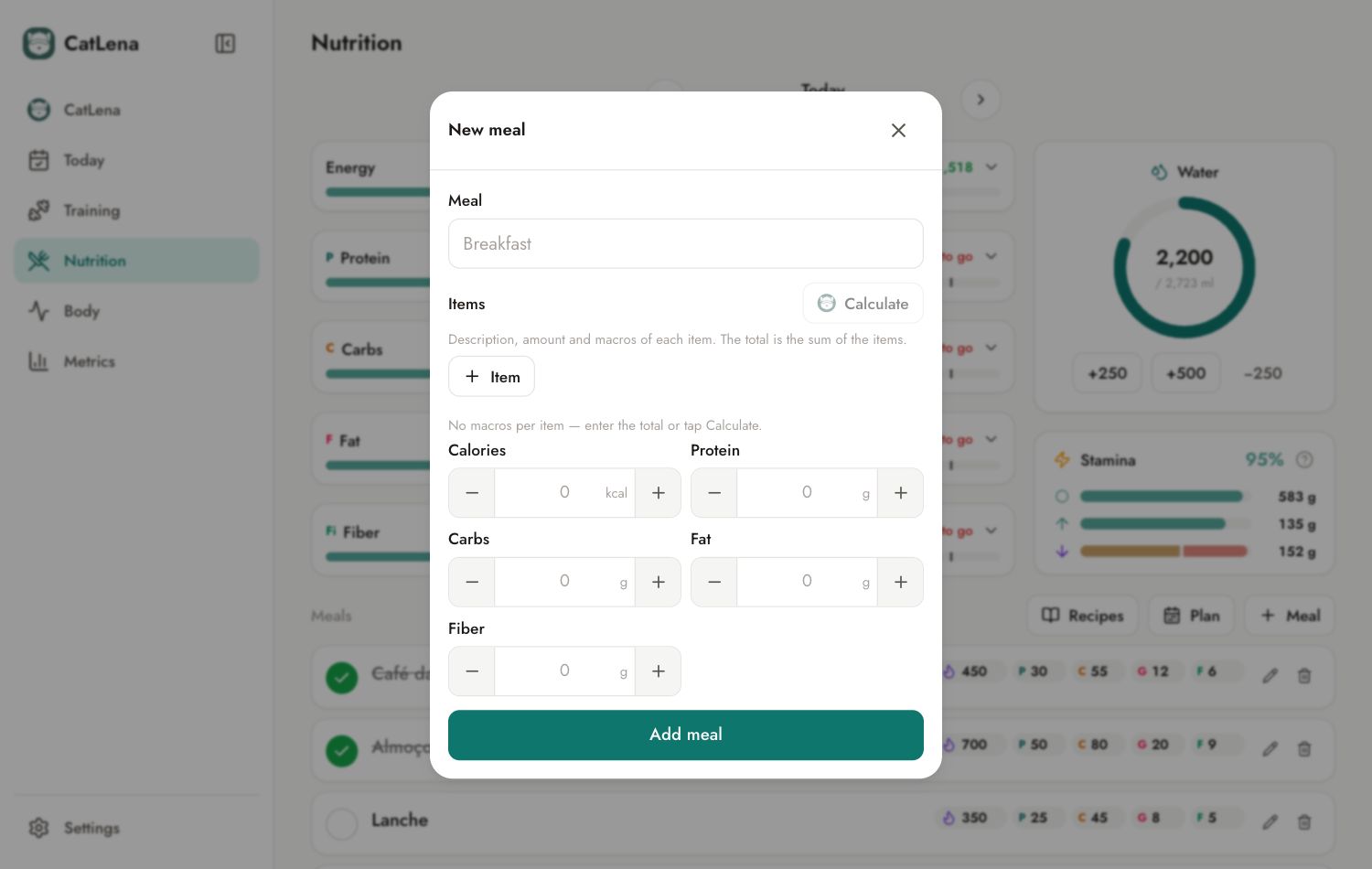
- Give it a name: Breakfast, Lunch, Snack.
- Tap Item and write the description and the quantity of each food ("scrambled egg", "2 units").
- Tap Calculate. CatLena fills in the calories and macros of each item, using your recipes, the food database and, last, an estimate.
- Review and tap Add meal.
Planned or eaten
The meal is added as planned. Tap the circle next to it when you eat: it then counts toward the day total.
Edit or delete
On the meal row, the pencil opens the editor and the trash can deletes it.