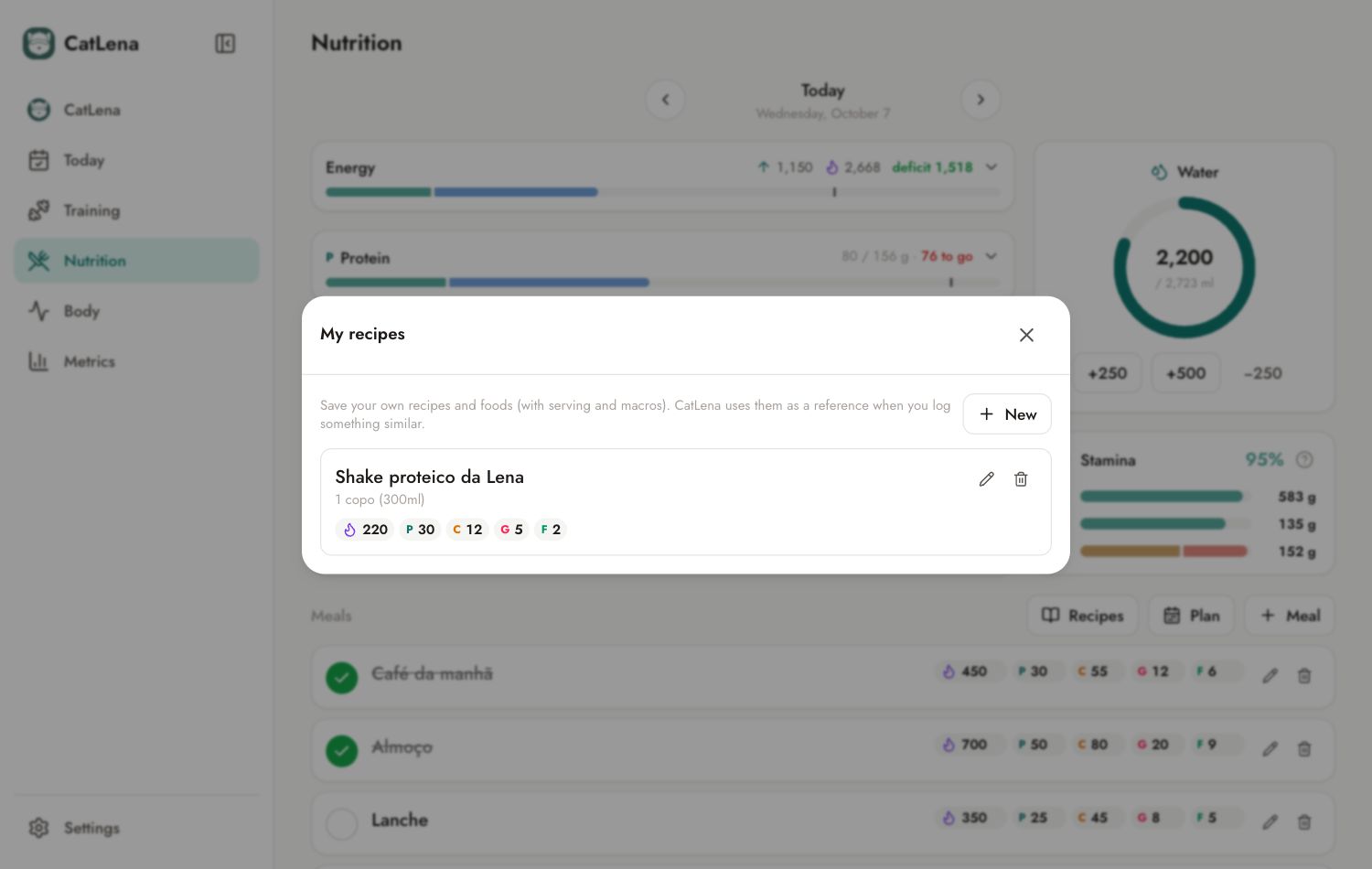
Save your own recipes
How to save your own recipes and foods in CatLena, with portion and macros, to use when logging.
A recipe is any food you eat often and whose numbers you know: your shake, the week's meal prep, a product with a label. CatLena uses those numbers instead of estimating.
- Open Nutrition and tap Recipes.
- Tap New.
- Fill in the name and, if you like, aliases separated by commas ("shake, post-workout whey"). Aliases help CatLena recognize the recipe in the chat.
- Enter the portion ("1 glass", "100 g") and the calories and macros of that portion.
- Tap Add recipe.